
The dream of the digital nomad or the flexible remote worker often hits a harsh reality the moment you open your laptop at a cramped coffee shop table or a hotel desk. You go from a sprawling three-screen sanctuary at home to a single 13-inch display. Suddenly, your productivity plummets, your neck starts to ache, and you spend half your day toggling between tabs like a digital juggler.
If you are struggling to maintain your output while on the move, the missing piece isn’t a faster processor—it’s screen real estate. This is where a portable monitor extender for travel work setup becomes a non-negotiable asset.
The Problem: The Single Screen Productivity Tax
Working on a single laptop screen while traveling creates three primary points of friction that can derail your professional performance:
1. Cognitive Overload and Tab Fatigue
Research suggests that screen size and the ability to view multiple windows simultaneously directly impact task completion time. When you constantly switch between a Zoom call, a spreadsheet, and a Slack channel, your brain experiences “context switching” costs. Each toggle breaks your focus, leading to mental fatigue.
2. Ergonomic Strain
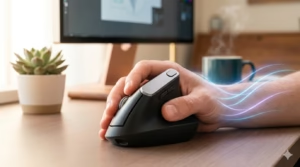
Laptops are notorious for poor ergonomics. To see the screen, you often hunch over, leading to “tech neck.” According to the Occupational Safety and Health Administration (OSHA), maintaining a neutral body posture is essential for preventing musculoskeletal disorders. A single low screen makes this nearly impossible in a makeshift travel environment.
3. Reduced Billable Hours
For freelancers and contractors, time is literally money. If a lack of screen space makes a task take 20% longer, you are effectively taking a 20% pay cut.
The Solution: The Portable Monitor Extender
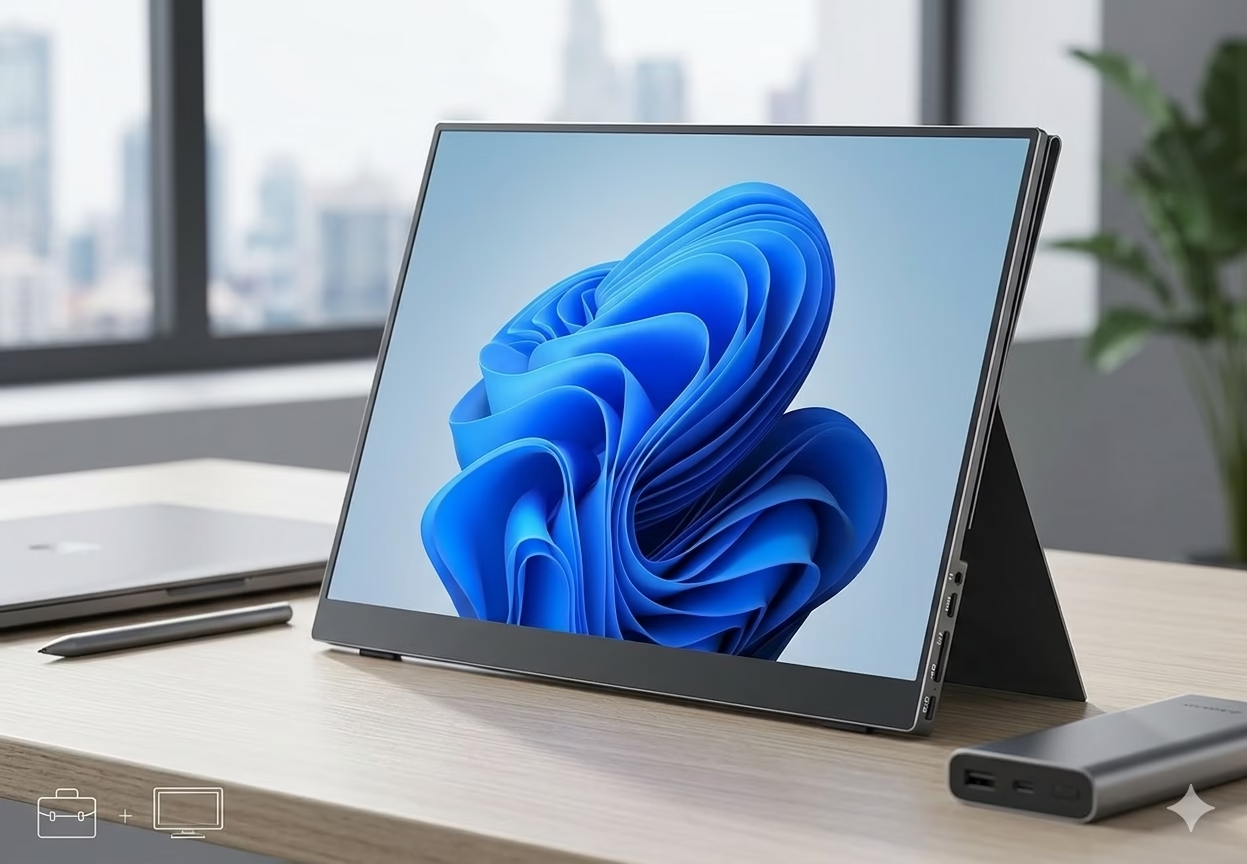
A portable monitor extender is a lightweight, multi-screen peripheral that clips onto or stands beside your laptop. Unlike traditional desktop monitors, these are designed specifically for the rigors of travel—fitting into a backpack as easily as a tablet.
Why Extenders Beat Standard Portable Monitors
While a standalone portable screen is helpful, an extender (often a dual or triple-screen attachment) offers a seamless, integrated experience. They typically draw power directly from your laptop via USB-C, meaning you don’t need to hunt for extra wall outlets in an airport lounge.
Key Benefits for the Travel Work Setup:
- Plug-and-Play Simplicity: Most modern extenders require no drivers.
- Ultra-Lightweight Materials: Using carbon fiber or high-grade polymers to keep your luggage under weight limits.
- Versatility: Most models allow for 180-degree or 270-degree rotation, perfect for sharing your screen during a face-to-face presentation.
How to Optimize Your Travel Work Setup for Maximum Efficiency
Integrating a portable monitor extender is the first step, but a truly “pro” travel setup requires a holistic approach to your mobile office.
1. Prioritize Connection Stability
A second screen is useless if your internet is lagging. Before settling in, check your connection speeds. The Federal Communications Commission (FCC) provides resources on understanding broadband speeds required for various remote tasks, ensuring your hardware and software are in sync.
2. Match Your Resolution
To avoid eye strain, ensure your extender matches the resolution of your primary laptop screen. Most travel extenders offer 1080p FHD, which is the “sweet spot” for text clarity and battery preservation.
3. Consider the Foldable Office
Combine your monitor extender with a collapsible laptop stand and a compact mechanical keyboard. This elevates the screens to eye level, satisfying the ergonomic guidelines recommended to reduce long-term strain on the spine and eyes.
What to Look for in a High-Quality Extender
When shopping for the right tool to upgrade your workflow, keep these technical specifications in mind:
Feature | Why It Matters |
|---|---|
USB-C DP Alt Mode | Allows video and power transfer through a single cable. |
Nits (Brightness) | Look for at least 300 nits if you plan to work near windows or outdoors. |
Blue Light Filters | Vital for late-night sessions to protect your circadian rhythm. |
Weight | Aim for under 2 lbs to maintain true portability. |
Conclusion: Investing in Your Mobile Throughput
The transition from a fixed office to a mobile one shouldn’t mean sacrificing your professional standards. A portable monitor extender for travel work setup bridges the gap between portability and power. By expanding your digital workspace, you reduce cognitive load, improve your posture, and ultimately reclaim the time lost to inefficient tab-toggling.
In the modern economy, your ability to produce high-quality work from anywhere is a superpower. Don’t let a small screen be the bottleneck that holds you back. Whether you’re overlooking a beach in Bali or a terminal at JFK, your setup should be as ambitious as your career goals.
BUY THIS AMAZING PRODUCT HERE